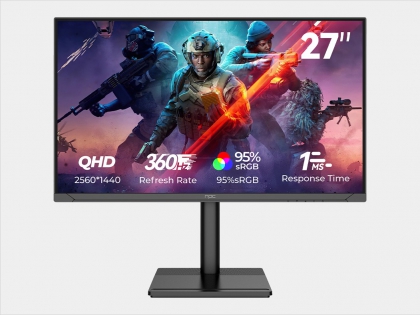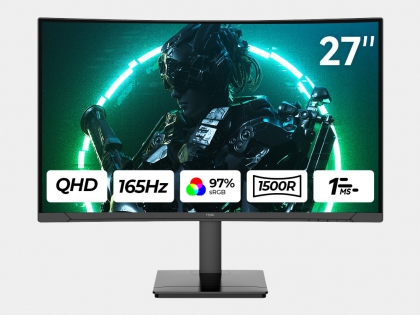
Monitor

Gaming Monitors

Buy gaming monitors that combine style, versatility, and comfort! NPC offers a wide range of gaming monitors, including Full HD, QHD, and UHD options, in curved, ultra-wide, and flat designs to suit any setup. These monitors provide ergonomic adjustability, eye-care technology, and sleek, ultra-thin borderless designs with optional RGB lighting, enhancing both comfort and aesthetics for long gaming sessions. Perfect for competitive gaming, immersive single-player experiences, or multi-tasking setups, NPC gaming monitors deliver reliable, cost-effective display solutions that elevate any gaming environment. Explore our range to find the ideal display for your needs.

NPC Gaming Monitor Size Range
24″ – 49″

NPC Gaming Monitor Features Highlights
High refresh rates (up to 520 Hz) | Low response time (up to 1 ms) | Accurate HDR color | FreeSync/G-Sync
Curved or flat panels | Flicker-free and low blue light | Adjustable ergonomic design

Why Choose NPC?
Established in 2005, NPC is an established provider of high-resolution display technology, serving over 80 countries. With wholly-owned subsidiaries in the UK, Czech Republic, Japan, Singapore, Hong Kong, the Netherlands, Ghana, and Latvia, we deliver localized support and seamless global service. Our mission is to provide high-quality, affordable monitors, blending innovation with reliability through a robust global supply chain and continuous R&D. Choosing NPC ensures customizable, cost-effective, durable display solutions, backed by a global service network and dedicated to success. Request a Quote Today!

Product Configuration Notice:
The product features and configuration options presented on the NPC official website may vary by market. Please refer to the actual configurations and features of products sold in your local market.
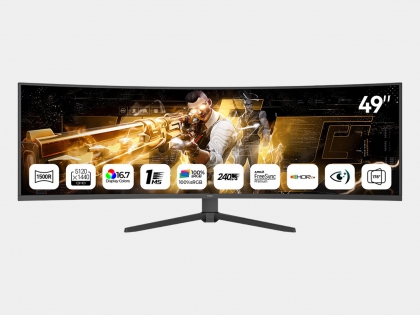
NPC-MC4937-R
NPC-MC4937-R

NPC 49-inch curved gaming monitor, ultra-high definition (5120 x 1440), VA panel, 240Hz refresh rate, 1500R curvature, 1ms response time, supports HDR10, adaptive sync, adjustable tilt angle, equipped…

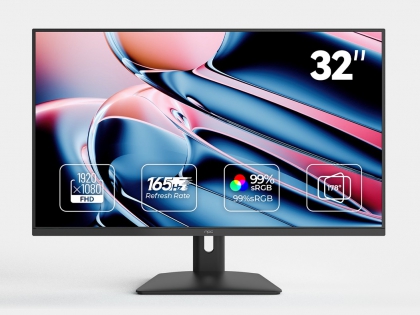
NPC-MF3208
NPC-MF3208

NPC 32-inch monitor with a VA panel, Full HD 1920*1080 resolution, 165Hz refresh rate. It is a computer monitor suitable for both gaming and office work. It is equipped with HDMI and VGA interfaces, s…

NPC-MP3429-Y
NPC-MP3429-Y

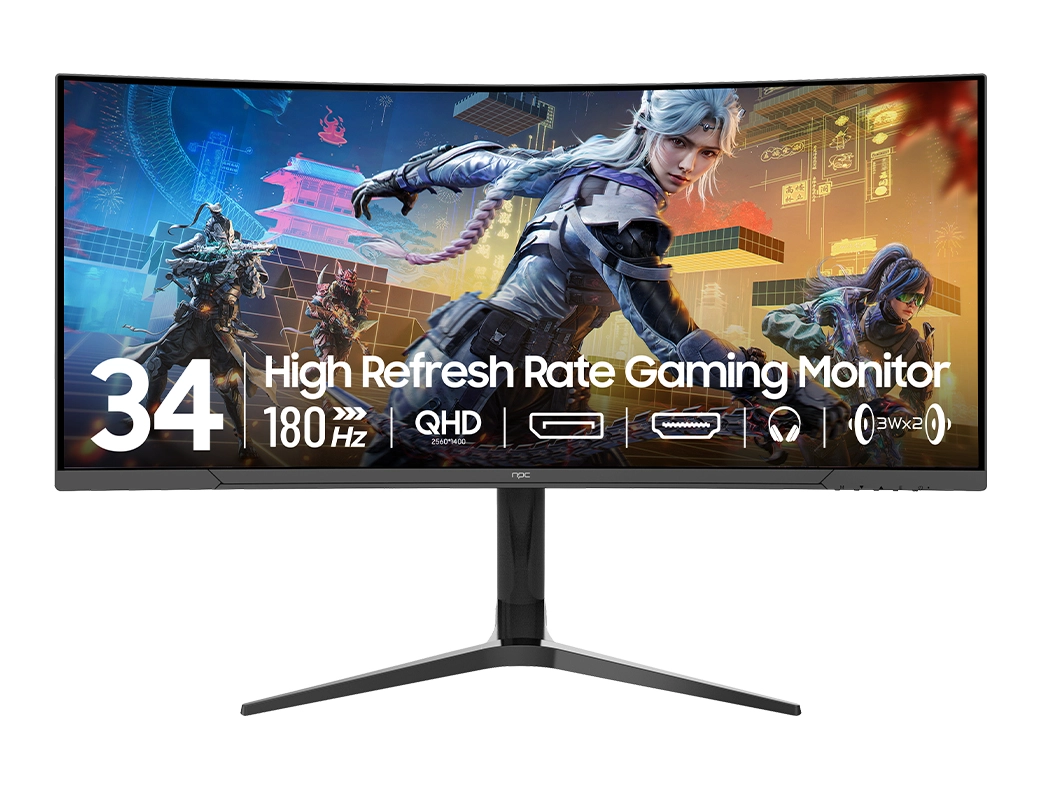
NPC 34 inch Curved Gaming Monitor UHD (3440×1440) VA Display, 165Hz Monitor, 1500R Curvature, 1ms, HDR10, Adaptive Sync, Tilt Adjustable, DisplayPort HDMI, Black – MP3429-Y

NPC-MD320K-V
NPC-MD320K-V

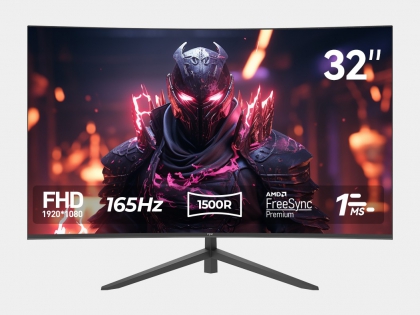
NPC 32-inch Curved Gaming Monitor, FHD 1920×1080 1500R Curved Monitor, VA Panel, up to 165Hz, 1ms, HDMI DisplayPort, Tilt Adjustable, Eye Care,MD320K-V

NPC-MP340L-Y
NPC-MP340L-Y

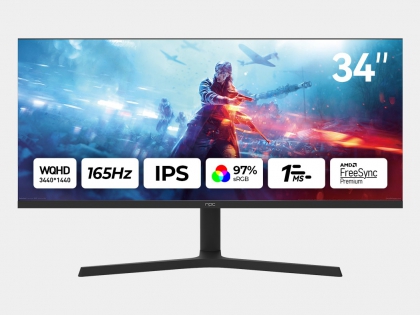
NPC 34 inch 21:9 Gaming Monitor UHD (3440 x 1440) IPS Display, 165Hz , 1ms, HDR10, Adaptive Sync, Tilt Adjustable, DisplayPort HDMI, Black MP340L-Y

NPC-MZ3207-K
NPC-MZ3207-K

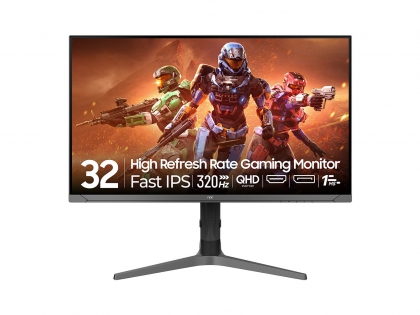
NPC 32-inch 2K QHD (2560*1440) IPS gaming monitor, with a maximum refresh rate of 320Hz, covering 97% sRGB color gamut and DCI-P3 color gamut. It is equipped with DisplayPort and HDMI interfaces, supp…

NPC-MZ3237-Y
NPC-MZ3237-Y

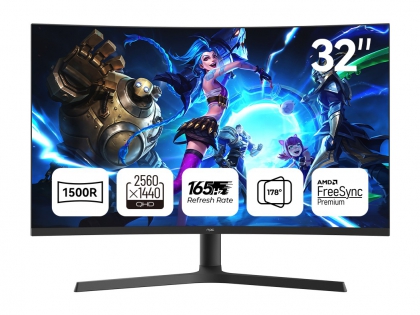
NPC 32-inch Curved Gaming Monitor, QHD 2560×1440 1500R Curved Monitor, VA Panel, up to 165Hz,1ms HDMI DisplayPort, Tilt Adjustable, Eye Care, MZ3237-Y

NPC-MZ2733-R
NPC-MZ2733-R

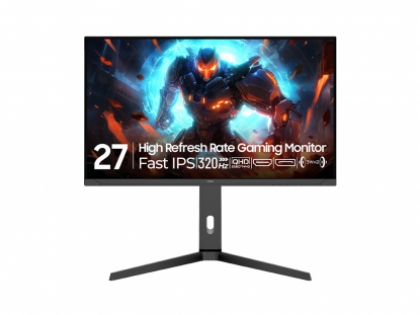
NPC 27-inch high-refresh rate gaming monitor features a QHD 25601440 resolution, is equipped with a fast IPS panel, supports a refresh rate of up to 320Hz, comes with HDMI, DP, and headphone output in…

NPC-MZ2733-K8
NPC-MZ2733-K8

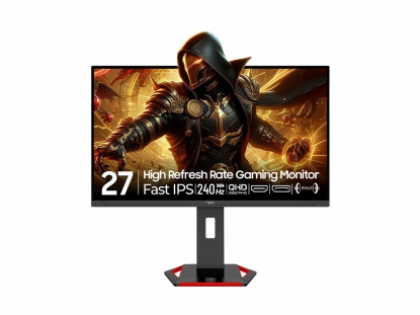
NPC 27-inch high-refresh rate gaming monitor features a QHD 25601440 resolution, is equipped with a fast IPS panel, supports a refresh rate of up to 240Hz, comes with HDMI, DP, and headphone output in…

NPC-MD2733-K8
NPC-MD2733-K8

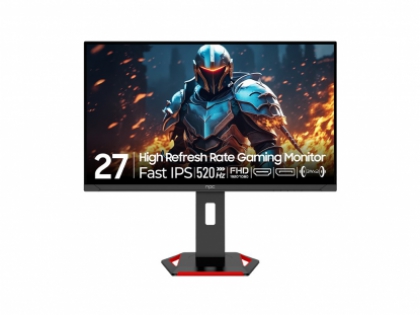
NPC 27-inch high-refresh rate gaming monitor features a FHD 19201080 resolution, is equipped with a fast IPS panel, supports a refresh rate of up to 520Hz, comes with HDMI, DP, and headphone output in…

NPC-MZ2733-K4
NPC-MZ2733-K4

NPC-MZ2733-K4 is a 27″ IPS gaming monitor with up to 360Hz refresh rate, 3000:1 contrast, 72% NTSC color, and AdaptiveSync for ultra-smooth visuals.

NPC-MZ2729-K
NPC-MZ2729-K

.Panel size:27″Panel type:VAMax. Resolution:2560*1440 165Hz …

NPC Monitor FAQs

As an experienced monitor manufacturer and supplier, NPC offers different types of monitors for various usage scenarios, including office monitors, gaming monitors, professional monitors, and smart monitors.

  • Office Monitors: Suitable for everyday office work and general computer use.
  • Gaming Monitors: Designed for esports and gaming, with higher refresh rates and faster response times.
  • Professional Monitors: Designed for professional design and other applications that require higher visual quality.
  • Smart Monitors: Combine display functions with smart features for more flexible use.

Choosing the right computer display depends on your specific usage scenario, required performance, and preferred features.

The core parameters of a monitor mainly include size, resolution, refresh rate, response time, color gamut, brightness, and panel type.

  • Size: NPC monitor sizes primarily include 21.5-inch, 23.8-inch, 24.5-inch, 27-inch, 31.5-inch, 34-inch, 40-inch, and 49-inch.
  • Resolution: Main resolutions include FHD (1920×1080), QHD (2560×1440), WQHD (3440×1440), UHD (3840×2160), DFHD (3840×1080), and DQHD (5120×1440).
  • Refresh Rate: Measured in Hz, it represents the number of times the screen refreshes the image per second. Below 120Hz is suitable for office use, while above 144Hz is suitable for esports gaming.
  • Response Time: Measured in milliseconds, it affects image ghosting. For gaming monitors, a response time within 5ms is recommended for a better gaming experience.
  • Color Gamut: Indicates the range of colors a monitor can cover. A higher color gamut can reproduce richer colors.
  • Panel Type: NPC monitors use TN, VA, and IPS panels, each with different characteristics.

A bigger monitor is not always better. Matching a reasonable monitor size to the intended usage scenario can provide a better experience and higher cost-effectiveness.

  • Office Work: 23.8-inch monitors are recommended.
  • Design: 27-inch monitors are recommended.
  • Esports Gaming: 27–34-inch monitors are recommended.
  • Split-Screen or Multi-Window Applications: 32-inch or larger monitors, or Ultrawide monitors with a 21:9 aspect ratio or above, are recommended.

When choosing a monitor, consider the available workspace, viewing needs, and the applications you use most frequently.

NPC monitors use three common panel types: TN, VA, and IPS. Each panel type has its own characteristics and is suited to different usage requirements.

  • TN: Known for fast response speeds and is suitable for applications where fast response is important.
  • VA: Known for high contrast, making it suitable for users who value deeper contrast in images.
  • IPS: Known for good color performance, making it suitable for applications where color reproduction is important.

The right panel type depends on your specific requirements, such as response speed, contrast, and color performance.

Resolution, refresh rate, and response time are three important monitor specifications, but they describe different aspects of display performance.

  • Resolutiondetermines the amount of image detail a monitor can display. NPC monitors are available in FHD, QHD, WQHD, UHD, DFHD, and DQHD resolutions.
  • Refresh rate indicates how many times the screen refreshes the image per second, measured in Hz. For office or design use, 60–120Hz can meet daily needs, while higher refresh rates such as 144Hz–240Hz are suitable for gaming. Higher refresh rates such as 300Hz or 400Hz also place greater demands on the graphics card.
  • Response timeaffects image ghosting and is independent of refresh rate. A high refresh rate does not necessarily mean a fast response time. For gaming, combining a high refresh rate with a low response time can provide smoother motion and help reduce ghosting.

The right connection interface depends on your computer, device, resolution, refresh rate, and required functions.

  • VGA (D-Sub): An analog video signal interface with a maximum supported resolution of 1080P. It is mainly used with older computers.
  • HDMI: Supports high-definition video and audio through a single connection and offers broad compatibility. For example, HDMI 2.0 supports UHD at 60Hz.
  • DisplayPort (DP): Supports high-definition video and audio with higher bandwidth than HDMI, making it suitable for high-resolution and high-refresh-rate applications. For example, DP 1.4 can drive UHD at 144Hz.
  • USB-C: Can transmit high-definition video and audio while also supplying power to the signal source, making it suitable for expanding the use of laptops and mobile devices.

When choosing a computer display, make sure the monitor and source device support the required connection standard and performance.

You can set up Clone Mode and Extend Mode through your computer’s display settings.

  • Clone Mode (Duplicate): Projects the same display content, resolution, and refresh rate onto different monitors.
  • Extend Mode: Provides a larger display workspace across multiple monitors. You can move applications from one monitor to another, while different monitors can display different content, resolutions, and refresh rates.

These modes are useful for multi-monitor workspaces where you need either the same content on multiple screens or additional desktop space.

For non-multimedia smart monitors, the camera, microphone, and USB Hub are additional configurations independent of the monitor.

To use these functions, connect the USB interface on the monitor to the USB interface on the PC using a USB cable. You can then use the corresponding application on the PC to access the relevant functions.

The available functions depend on the specific monitor configuration.

HDR, or High Dynamic Range, is a display technology designed to provide a wider range of brightness and color for compatible content. HDR can enhance the visual experience of movies, games, and other multimedia content.

NPC incorporates HDR technology into its monitor solutions alongside HDMI and USB-C interfaces and other display technologies. When choosing an HDR monitor, users should also consider the monitor’s brightness, color performance, resolution, and the HDR support of the content source.

When choosing a monitor, consider the intended use, size, ergonomics, gaming performance, visual quality, and after-sales service.

  • Golden Size: 24–27 inches is a practical size range for daily-use monitors.
  • Ergonomics: A height-adjustable stand can help you adjust the monitor to a more suitable angle and height, reducing neck and waist fatigue during long periods of use.
  • Gaming Experience: Ambient lighting, such as RGB, can enhance the gaming experience.
  • Visual Quality: Look for appropriate brightness, soft color tones, and high color accuracy.
  • Quality Assurance: Consider craftsmanship, product details, and reliable after-sales service.

For buyers comparing computer monitor suppliers, it is also important to consider product selection, quality assurance, and after-sales support alongside individual specifications. npc

  • Warranty Period: 3 Years for the whole machine (including casing and internal power supply) and major components (including display screen, motherboard, and external power supply).

  • Warranty Scope: The above warranty is limited to normal usage scenarios. It does not include failures caused by commercial or outdoor use, nor does it cover human damage (such as dropping, water ingress) or failures caused by failure to operate according to the instruction manual.

After-Sales

Welcome to the NPC website!

Please choose from the following service options:

Product Inquiry
>
Product Inquiry
>
After-Sales Service
>